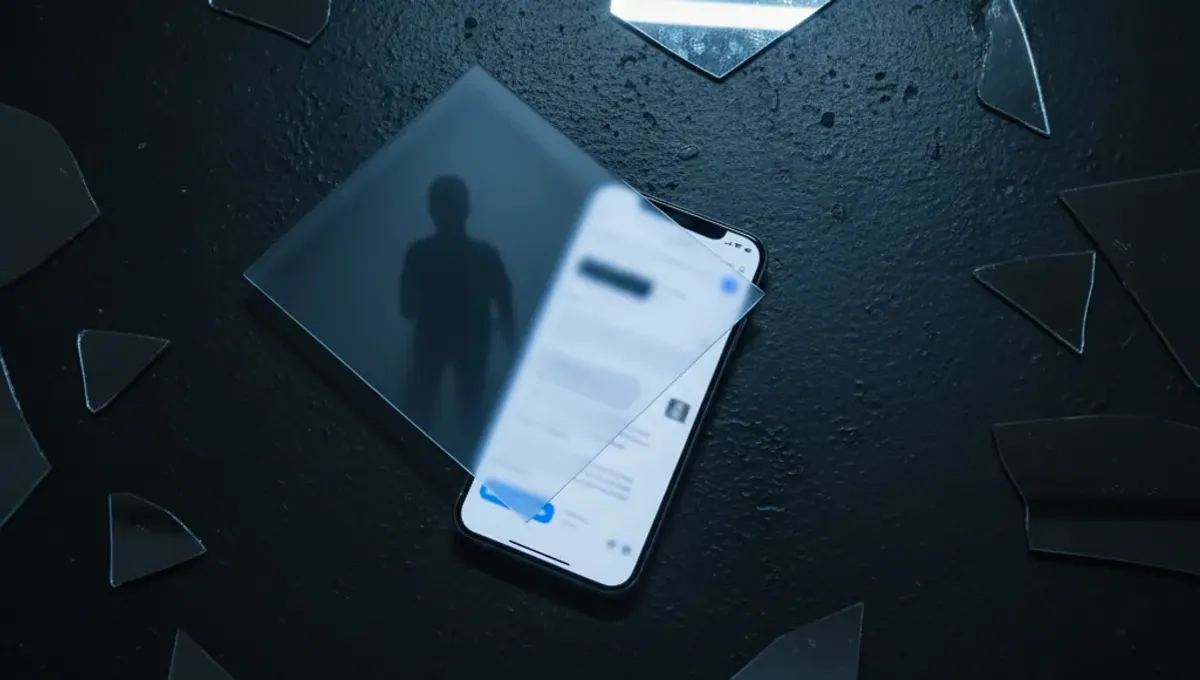
What Signal's Screenshot Block Actually Does
Signal's new feature prevents AI agents integrated into iOS 27 and certain Android versions from reading message content that appears on your screen. When Signal detects an agentic system attempting to access chat data through screenshot capture, the app restricts that access. This matters because AI assistants increasingly have permission to scan your screen to understand what you are doing, and without this block, they could read private conversations you assumed were encrypted. The protection is device-specific: it only works where Signal can actively detect and block such access attempts.
Why AI Agents Pose a New Threat to Encrypted Chat
AI assistants built into operating systems operate with broad permissions to monitor what you see on your device. Unlike a human attacker who must physically access your phone, an AI agent can examine your screen content millions of times per second without your direct knowledge. Even though your messages are encrypted in transit and at rest on Signal's servers, an AI agent with screen-reading capability can capture what you read on your device before encryption or after decryption. This represents a shift: the threat is no longer the network or the server, but the device itself and software running on it with elevated privileges.
The Incomplete Protection: Where Gaps Remain
Signal's own statement that the protection is "incomplete" signals the core reality: there is no perfect defence against a determined, privileged AI system on your device. An AI agent with deep operating system access could potentially capture data through other methods: memory dumps, peripheral access to the GPU, timing analysis of your interactions, or by logging keystrokes and clipboard content. Depending on how iOS 27 and the Android AI systems are implemented, they may have paths to your message data that bypass screenshot detection entirely. This is a defensive layer, not a solution, and users should treat it as one part of a broader security posture, not as absolute protection.
How This Fits Into Signal's Broader Privacy Strategy
Signal has long prioritized end-to-end encryption, disappearing messages, and minimalist data collection. This screenshot block represents a response to a threat that exists outside traditional encryption: what happens on the device after decryption. The feature aligns with Signal's historical approach of building protections at the application level, even when the underlying system cannot be fully trusted. However, Signal cannot control the operating system itself. On iOS, Apple controls the entire stack; on Android, individual device makers and Google determine what AI access looks like. Signal's feature is a friction point, not a guarantee, and that distinction matters.
Practical Implications for Android and iOS Users
If you use Signal on a compatible device with this protection enabled, AI agents will face barriers when attempting to read your chats. On incompatible devices or older versions, this protection does not exist. Users should verify whether their specific device and OS version support the feature by checking Signal's official documentation or the app's settings. Those who work with highly sensitive information and use AI assistants on the same device face a harder choice: disable the AI agent, use a separate device for Signal, or accept the incomplete protection as a trade-off. For ordinary users, the feature raises their baseline defence without requiring action, but it does not eliminate the need for thoughtful device habits.
What This Reveals About AI and Privacy Boundaries
This announcement reflects a tension in how modern devices work: operating systems now embed AI assistants with permissions that rival the apps you use. Signal's screenshot blocking exposes that encryption alone, no matter how strong, cannot protect information that has been decrypted on a device controlled by the operating system. It also shows that app developers and OS makers are now in a direct conflict: Signal wants to keep your data from AI; Apple and Android want their AI to see everything. Users sit in the middle, dependent on both. This dynamic will likely drive more privacy features at the application level, but also more pressure from device makers to loosen those restrictions in the name of AI utility.
Real-World Scenarios and Your Next Steps
Consider a journalist on an iOS or Android device using Signal to communicate with sources while also relying on an AI assistant for research and note-taking. Signal's screenshot block reduces the risk that the AI assistant will leak source names or sensitive details to Apple or Google's servers, but it does not eliminate it. The block makes the attack less passive and opportunistic. Users should think about which AI assistants they actually trust with access to their device, enable Signal's protection where available, and consider whether sensitive conversations require a device without integrated AI agents. If you use Signal regularly, review your device's AI permissions in settings and disable any assistant you do not actively need. For the highest-sensitivity use cases, a separate device or a system with no integrated AI is still the clearest option.
FAQ
Can Signal's screenshot block stop all AI from reading my messages?
No. Signal's protection blocks agentic AI systems that Signal can detect attempting to access your screen, but it is not complete. An AI system with deep enough OS access or using other methods (like memory access or clipboard monitoring) could still potentially access message data. The feature raises the barrier, it does not eliminate the threat.
Does this protection work on all Android and iOS devices?
No. The feature requires compatible OS versions: iOS 27 and certain Android versions where Signal can detect AI assistant activity. Older devices and custom Android builds may not support it. Check your device and app settings to confirm the feature is active.
If I turn off AI assistants on my phone, do I still need this protection?
If you have disabled all AI agents with screen access, Signal's screenshot blocking becomes less relevant to your security. However, leaving the protection enabled does not harm performance or usability, so there is no downside to keeping it active.
What should I do if I use Signal for very sensitive communications?
Treat this protection as one layer in a broader strategy. For the highest sensitivity, consider using a device without integrated AI assistants, or use a dedicated phone for Signal-only communications. Additionally, verify your Signal contacts using safety numbers and keep the app updated to the latest version.
Source: The Hacker News