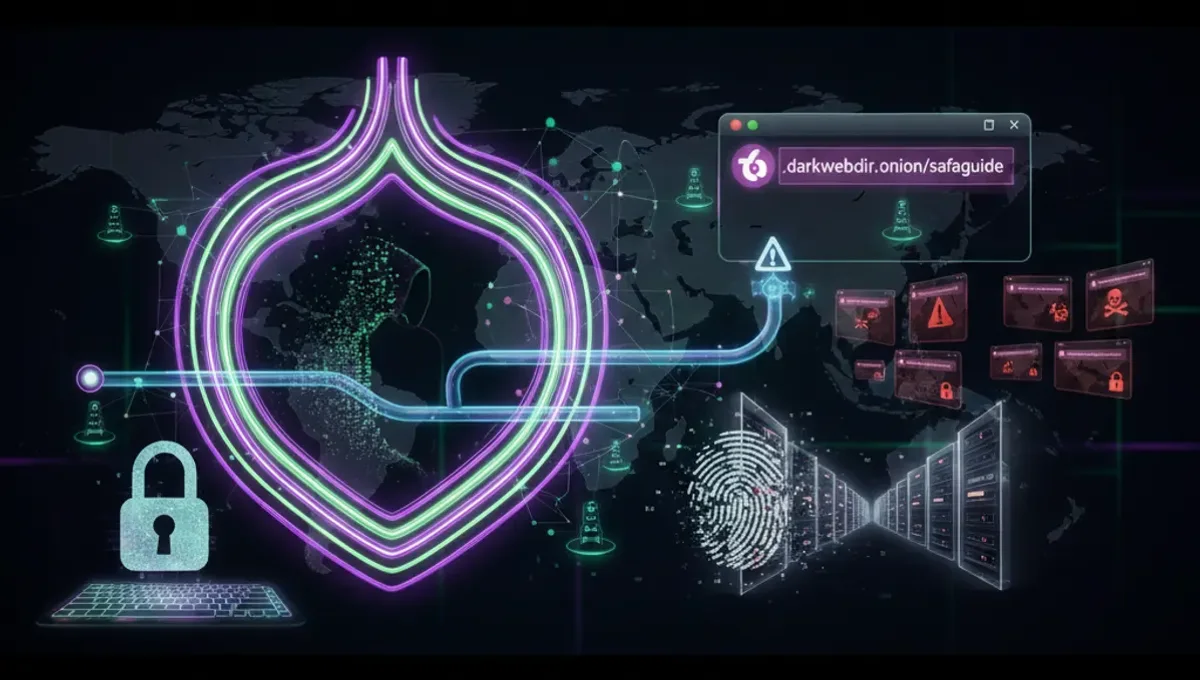
What Makes a Dark Web Site Legitimate on Tor
A legitimate dark web site on Tor operates transparently about its purpose, maintains consistent onion addresses, and publishes PGP signatures for verification. Genuine services document their infrastructure, publish security advisories, and respond to user concerns. They do not solicit payment for access to directory listings or promise anonymity guarantees they cannot deliver. Legitimate sites typically have long operational histories, consistent domain names across mirrors, and clear terms of service. The Tor Project's official documentation lists endorsed services. Contrast this with phishing clones, which copy layouts and branding but redirect users to malicious endpoints or harvest credentials. Legitimate operators use v3 onion addresses (56 characters), which are more resistant to brute-force attacks than older v2 formats. They also publish their addresses on multiple independent channels—official websites, social media, and community forums—to prevent single points of failure.
How Onion Addresses and Tor Routing Protect Your Connection
Tor routes your traffic through multiple relays, encrypting it in layers so that no single node knows both your origin and destination. Onion services add another layer: the service itself is hidden behind Tor's routing, meaning the server's real IP address is never exposed. When you connect to a .onion address, your Tor client performs a multi-step handshake with the service's introduction points, which are themselves Tor relays. This process ensures that neither the service nor any observer can determine your location or identity. The onion address itself is a hash of the service's public key, so the address cannot be spoofed without breaking the underlying cryptography. V3 addresses use 256-bit hashes, making them cryptographically stronger than v2 addresses. The entire connection is encrypted end-to-end, meaning even Tor exit relays (which handle clearnet traffic) are bypassed. This architecture is why onion services are considered more secure for sensitive communications than standard Tor browsing to clearnet sites.
How to Verify Onion Addresses and Detect Phishing Clones
Phishing clones are counterfeit onion sites designed to mimic legitimate services and steal credentials or private keys. They often appear nearly identical to the real site but use slightly different addresses. To verify authenticity:
- Always access onion addresses through official channels—the service's clearnet mirror, social media accounts, or community directories with editorial oversight.
- Check for PGP signatures published by the service operators. Download their public key from multiple independent sources and verify the signature on any address announcements.
- Compare the onion address character-by-character with the official version; even a single character difference indicates a clone.
- Look for HTTPS certificates on onion sites (some legitimate services use them) and check the certificate issuer and validity dates.
- Examine the site's content for inconsistencies—typos, outdated information, or missing sections suggest a clone.
- Use the Tor Browser's built-in security features, including script blocking and isolation of onion site cookies.
- Never enter credentials or private keys on an unfamiliar site, even if it appears legitimate. Legitimate services publish security warnings about known clones and provide multiple verification methods.
Categories of Legitimate Dark Web Sites on Tor
Legitimate onion services span several categories. News and information sites provide uncensored reporting and host archives of articles from regions with internet censorship. Privacy-focused forums and discussion boards allow users to communicate without surveillance. Whistleblowing platforms accept anonymous submissions and publish leaked documents with editorial oversight. Libraries and archives preserve books, academic papers, and historical documents. Communication services include email providers and messaging platforms designed for anonymity. Cryptocurrency and financial services offer privacy-preserving transaction methods. Support and advocacy organizations provide resources for marginalized communities, political dissidents, and abuse survivors. Government transparency initiatives publish leaked documents and facilitate public discourse. Educational resources include coding tutorials, security guides, and technical documentation. Each category has legitimate use cases, though some services operate in legal gray areas depending on jurisdiction. The distinction between legitimate and illegitimate services often hinges on whether the site facilitates harm, hosts stolen data for sale, or operates without any stated legal purpose.
Common Mistakes That Compromise Anonymity on Dark Web Sites
Users often undermine their own anonymity through operational security failures. Reusing usernames across onion sites and clearnet platforms allows correlation attacks that link your identities. Uploading files without stripping metadata exposes device information and location data. Maximizing your Tor Browser window reveals your screen resolution, which is unique enough to fingerprint you. Disabling JavaScript protections or installing plugins breaks Tor's isolation model. Logging into personal accounts while using Tor defeats anonymity entirely. Torrenting over Tor leaks your real IP address because BitTorrent bypasses the Tor network. Visiting onion sites without keeping your Tor Browser updated exposes you to known vulnerabilities. Clicking links from untrusted sources can lead to malicious sites that attempt browser exploits. Assuming anonymity is absolute and taking unnecessary risks with sensitive information. Connecting to Tor from a network that logs traffic (like a workplace or school) creates a record of your Tor usage. Using the same VPN provider repeatedly before connecting to Tor can allow correlation if the VPN provider is compromised. These mistakes are preventable through deliberate operational security practices.
Comparing Tor, VPN, and I2P for Privacy and Access
Tor, VPN, and I2P each provide different privacy and anonymity models. Tor routes traffic through multiple relays operated by volunteers, making it difficult for any single entity to correlate your traffic. It is designed for anonymity and accessing onion services. VPNs encrypt traffic and route it through a single provider's server, offering privacy from your ISP but requiring trust in the VPN operator. VPNs are faster than Tor and suitable for general privacy but do not provide anonymity if the provider is compromised or subpoenaed. I2P is a decentralized network designed for internal communication and file sharing, with lower latency than Tor but smaller user base. Tor is best for accessing onion services and maximum anonymity. VPNs are best for privacy from your ISP and faster general browsing. I2P is best for peer-to-peer communication within the I2P network. Combining Tor with a VPN adds complexity and can reduce anonymity if misconfigured. Using Tor alone is generally recommended for accessing dark web sites on Tor, as it is purpose-built for this use case.
Safety Basics Before Accessing Any Onion Site
Before accessing any dark web site on Tor, establish baseline security practices.
- Download Tor Browser only from the official Tor Project website or through official mirrors; verify the signature of the installer.
- Keep your operating system and all software updated with the latest security patches.
- Use a dedicated device or virtual machine for Tor browsing if possible, isolating it from personal data and accounts.
- Disable plugins and extensions in Tor Browser; use only the default configuration.
- Set your Tor Browser security level to the highest setting that allows the site to function.
- Never maximize your browser window; use a standard size to avoid fingerprinting.
- Assume that any site could be a phishing clone or malicious honeypot; verify addresses through multiple channels.
- Never download files unless absolutely necessary, and scan them with antivirus software before opening.
- Use strong, unique passphrases for any accounts you create on onion sites.
- Assume that your activity on any site could be logged or monitored by law enforcement in your jurisdiction.
- Understand the legal status of the content you access in your country.
- Use a hardware wallet or air-gapped device for cryptocurrency transactions.
Frequently asked questions
How do I know if an onion site is real and not a phishing clone?
Verify the onion address through official channels—the service's clearnet site, social media, or trusted directories. Check for PGP signatures published by the operators. Compare the address character-by-character with the official version. Look for HTTPS certificates and consistent content. Legitimate services publish security warnings about known clones. Never enter credentials on unfamiliar sites.
What is a v3 onion address and why is it more secure than v2?
V3 onion addresses are 56-character hashes of the service's public key, using 256-bit cryptography. V2 addresses were 16 characters and used weaker 80-bit hashing. V3 addresses are resistant to brute-force attacks and cannot be spoofed without breaking the underlying cryptography. The Tor Project deprecated v2 addresses in 2021 due to security concerns. All legitimate new onion services use v3 addresses.
Can I use a VPN with Tor to access dark web sites more safely?
Using a VPN before Tor can reduce anonymity if the VPN provider is compromised or logs traffic. Tor alone is purpose-built for anonymity and accessing onion services. If you use a VPN, connect to it before Tor, never after. Understand that the VPN provider can see that you are using Tor, though not your destination. For maximum anonymity, use Tor without a VPN.
What are the most common mistakes that compromise anonymity on dark web sites?
Reusing usernames across sites, uploading files with metadata, maximizing your browser window, disabling security features, logging into personal accounts, torrenting over Tor, and clicking untrusted links. Each of these can leak identifying information or break Tor's isolation. Assume anonymity is not absolute and practice deliberate operational security.
Is it legal to access dark web sites on Tor?
Accessing Tor and onion sites is legal in most countries. However, the legality of specific content varies by jurisdiction. Accessing illegal marketplaces, stolen data, or child exploitation material is illegal everywhere. Understand the laws in your country before accessing any site. Law enforcement monitors onion services and can prosecute users for illegal activity.