What Is a Dark Web Tor Link?
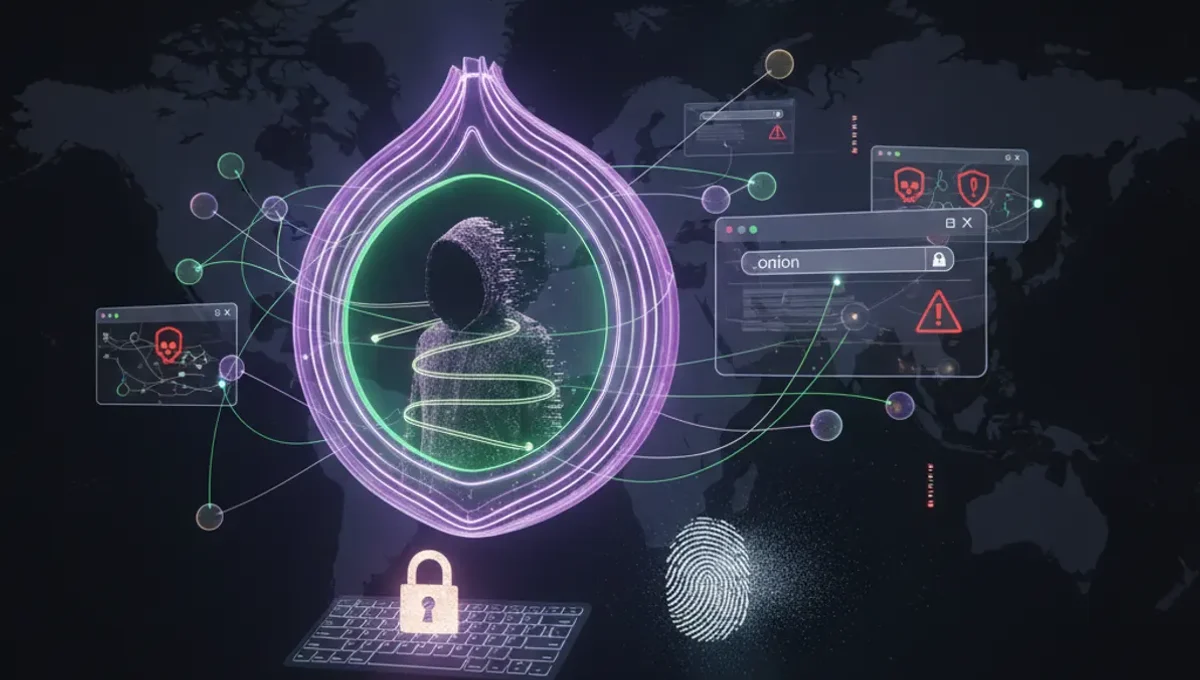
A dark web tor link is a URL ending in .onion that directs you to a hidden service on the Tor network. Unlike standard web addresses, .onion links do not resolve through conventional DNS servers. Instead, they are cryptographic identifiers that allow the Tor network to route your connection through multiple relays before reaching the destination server. The server itself remains hidden, and your real IP address is never exposed to the service. These links are generated using public-key cryptography; the .onion address is derived from the server's public key. V3 addresses, the current standard, are 56 characters long and provide stronger security than older V2 addresses. Dark web tor links serve legitimate purposes such as hosting news sites, privacy-focused communication platforms, and whistleblowing channels, as well as illegal marketplaces. The link itself is neutral; its legality and safety depend entirely on what service it connects to and how you use it.
How Does Tor Routing Work for Onion Addresses?
When you access a dark web tor link through the Tor browser, your traffic is routed through a series of volunteer-operated relays. The Tor network selects three relays at random: an entry node, a middle relay, and an exit node. Each relay only knows the IP address of the relay before and after it, not your real IP or the final destination. For .onion addresses, the routing is different: your traffic never exits the Tor network. Instead, it travels through Tor relays and connects directly to the hidden service's introduction points. The hidden service itself is not located at a fixed IP address; it connects outbound to the Tor network and advertises its introduction points through the distributed hash table. This design ensures that both your location and the server's location remain hidden. The encryption is end-to-end, meaning even Tor exit node operators cannot see the content of your communication with an onion service. This architecture makes dark web tor links inherently more private than accessing clearnet sites through Tor.
How to Verify a Genuine Dark Web Tor Link
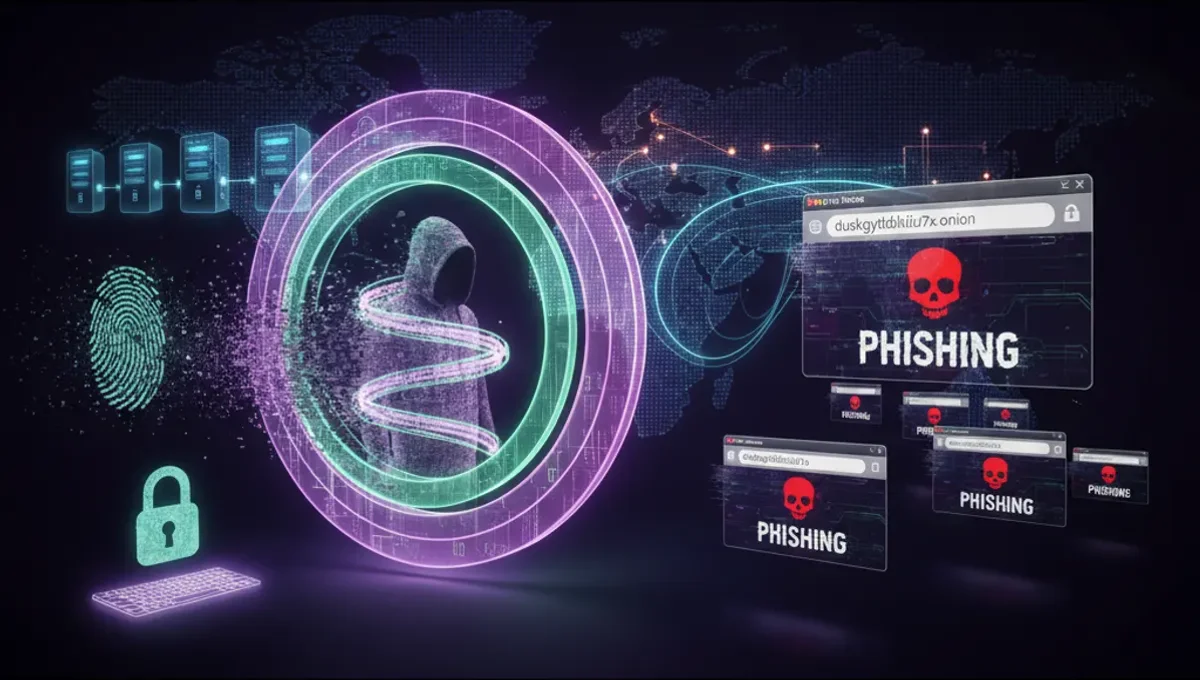
Phishing clones of popular onion services are common. Attackers register similar-looking .onion addresses to steal credentials or distribute malware. To verify a genuine dark web tor link, follow these steps: First, obtain the address from an official source, such as the service's clearnet website, official social media account, or a PGP-signed announcement from the service operator. Second, check the address format. V3 addresses are 56 characters long and use only lowercase letters and numbers. Third, verify the PGP signature if one is provided. Download the service's public key from an official source, import it into your GPG keyring, and verify the signature on the announcement containing the .onion address. Fourth, use the Tor browser's security features: ensure you are running the latest version, disable JavaScript if the site does not require it, and check the browser's security level settings. Fifth, look for HTTPS indicators and security certificates where applicable, though many onion services use self-signed certificates. If a site asks you to download software or enter sensitive information, verify the download's PGP signature before running it. Never trust a .onion address found in a forum post, chat message, or search result without independent verification.
V3 Addresses vs. V2 Addresses: What Changed?
Tor deprecated V2 onion addresses in 2021 due to security vulnerabilities. V2 addresses were 16 characters long and used RSA-1024 encryption, which was considered insufficient against modern cryptanalysis. V3 addresses are 56 characters long and use elliptic-curve cryptography with stronger key sizes, making them resistant to known attacks. V3 addresses also include a checksum, which prevents typos from silently redirecting you to a different service. The checksum means that if you mistype a V3 address, the Tor browser will reject it rather than connecting to an unintended destination. All major onion services have migrated to V3 addresses. If you encounter a V2 address, it is either outdated or a phishing attempt. The Tor Project's official documentation recommends treating any V2 address as suspicious. When searching for dark web tor links, prioritize V3 addresses. Services that have not migrated to V3 are either abandoned or operating outside the Tor Project's security recommendations.
Common Mistakes That Compromise Anonymity
Even when using Tor and accessing dark web tor links correctly, user behavior can leak your identity. Avoid these common mistakes: Do not maximize your browser window; this can reveal your screen resolution, which combined with other data points can identify you. Do not enable plugins or extensions unless absolutely necessary; they can bypass Tor and expose your IP address. Do not open files in applications that are not Tor-aware; PDFs, documents, and media files may connect to the internet outside Tor. Do not use the same username across multiple onion services; this allows correlation attacks that link your accounts. Do not assume that accessing an onion site makes you anonymous if you log in with identifying information. Do not disable Tor's security features to access a site that requires JavaScript or other functionality; if a site demands this, it may be a phishing clone or malicious service. Do not take screenshots of onion sites and share them on clearnet platforms; metadata in images can reveal information about your system. Do not assume that all .onion links are safe; many host malware, scams, or illegal content. Use the Tor browser's built-in security level settings and keep the browser updated.
Tor vs. VPN vs. I2P: Key Differences
Tor, VPN, and I2P are three different privacy tools with distinct architectures and use cases. Tor routes your traffic through multiple volunteer relays operated by different entities, making it difficult for any single party to correlate your traffic. It is designed for anonymity and is effective against network-level surveillance. VPNs encrypt your traffic and route it through a single server operated by a VPN provider; the provider can see your traffic and IP address. VPNs are useful for hiding your activity from your internet service provider but do not provide anonymity from the VPN provider itself. I2P is a decentralized network designed for internal communication; it is optimized for peer-to-peer applications and is less suitable for accessing external services. For accessing dark web tor links, Tor is the appropriate choice because it is specifically designed for hidden services and provides strong anonymity guarantees. VPNs should not be used as a replacement for Tor when accessing onion services. Using a VPN with Tor adds complexity and may reduce anonymity if the VPN provider logs traffic. I2P is useful for specific applications like file sharing within the I2P network but does not provide access to .onion addresses.
Legal and Illegal Uses of Dark Web Tor Links
Dark web tor links connect to services with both legal and illegal purposes. Legal uses include hosting news sites in countries with censorship, providing secure communication platforms for journalists and activists, hosting privacy-focused email services, and distributing information about digital security and privacy. Many organizations, including human rights groups and news outlets, operate onion mirrors of their services to ensure access in restricted regions. Illegal uses include marketplaces selling drugs, weapons, and stolen data, hosting child exploitation material, distributing malware, and running scams. Accessing an onion service is not inherently illegal, but purchasing illegal goods or services is. Many jurisdictions prosecute users who buy illegal items through dark web tor links the same way they prosecute buyers on the clearnet. Law enforcement agencies monitor onion services and have successfully prosecuted operators and users. If you are interested in accessing verified legitimate services, consult the Verified Marketplaces page on this site for guidance on distinguishing genuine services from scams and phishing attempts. Your responsibility is to understand the legal consequences of your actions in your jurisdiction and to use Tor technology in compliance with local laws.
Frequently asked questions
Can I access a dark web tor link without the Tor browser?
No. .onion addresses are only accessible through the Tor network. Standard browsers cannot resolve .onion domains. You must download and install the official Tor browser from the Tor Project's website. Using third-party Tor implementations or proxies is not recommended because they may not implement Tor's security features correctly and could compromise your anonymity.
Is accessing a dark web tor link illegal?
Accessing an onion service is not illegal in most jurisdictions. However, the content or services you access may be illegal. Purchasing illegal goods, accessing child exploitation material, or engaging in other criminal activity through dark web tor links is prosecutable. Your location and local laws determine what is legal. Consult local regulations and understand the legal consequences before accessing any service.
How do I know if a dark web tor link is a phishing clone?
Verify the address through official channels: the service's clearnet website, official social media, or PGP-signed announcements. Check that the address is a V3 address (56 characters). Verify PGP signatures if provided. Be suspicious of addresses found in forums or chat without independent verification. If a site requests unusual information or behaves differently than expected, it may be a clone. Never enter credentials into an unverified site.
What should I do if I accidentally visit a malicious onion site?
Close the Tor browser immediately. Do not download files or enter any information. Restart the Tor browser to obtain a new circuit and IP address. If you entered credentials, change those passwords from a different device. If you downloaded files, scan them with antivirus software before opening them. Consider running a full system scan. Do not panic; simply closing the browser prevents most attacks. Malicious sites cannot compromise your system through viewing alone.
Can law enforcement track me if I access a dark web tor link?
Tor provides strong anonymity, but it is not perfect. Law enforcement has successfully identified Tor users through various methods, including exploiting browser vulnerabilities, analyzing traffic patterns, and investigating operational security mistakes. If you log into accounts with identifying information, use the same username across services, or make other behavioral mistakes, you can be identified. Your safety depends on proper use of Tor and careful operational security practices.