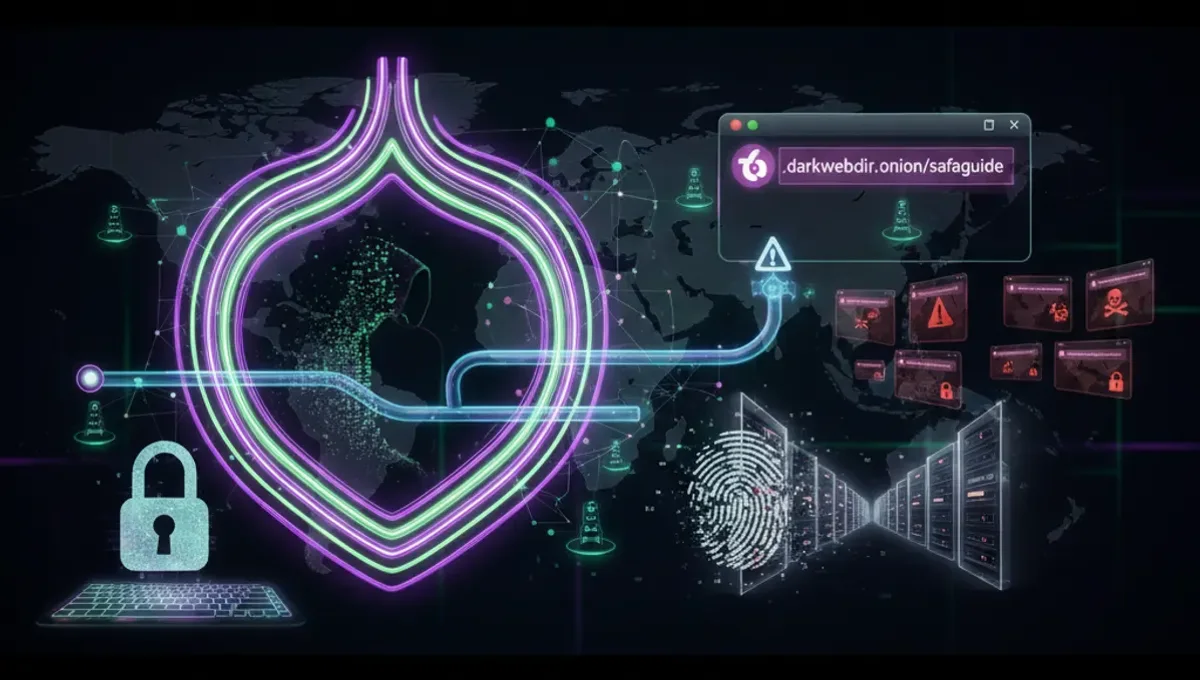
What Are Dark Web Websites on Tor?
Dark web websites on Tor are services hosted on the Tor network and accessible only through the Tor Browser. They use .onion domain names instead of traditional DNS, making them resistant to takedowns and censorship. These sites range from legitimate news organizations and privacy advocates to forums and reference materials. The Tor network routes traffic through multiple encrypted relays, obscuring the user's IP address and location. A genuine onion address is either a v2 address (16 characters, now deprecated) or a v3 address (56 characters, current standard). The .onion suffix indicates the site is accessed via Tor's hidden service protocol, not through clearnet mirrors or VPN services. Understanding this distinction helps users avoid confusion between legitimate onion services and phishing clones hosted elsewhere.
How Onion Addresses and Tor Routing Work
Onion addresses are generated from public keys using cryptographic hashing. When you connect to an onion service, your Tor Browser establishes a circuit through multiple relays before reaching the destination. The service itself also uses multiple relays, creating a rendezvous point where both parties meet anonymously. This dual-layer anonymity means neither the user nor the service operator can easily identify each other's real IP address. V3 addresses use 256-bit elliptic-curve cryptography, making them resistant to brute-force attacks. The Tor Browser automatically handles this routing; users simply paste the onion address into the address bar. Traffic is encrypted end-to-end, meaning even Tor exit nodes cannot read the content. This architecture is why dark web websites on Tor remain accessible even when ISPs or governments attempt to block them—there is no single server to shut down, only distributed relay nodes.
Categories of Legitimate Dark Web Sites on Tor
Legitimate dark web websites on Tor include news archives that preserve reporting from censored regions, privacy-focused email and messaging platforms, cryptocurrency information resources, academic libraries, and whistleblowing platforms. News organizations maintain onion mirrors to serve readers in countries with internet restrictions. Privacy tools documentation and Tor project resources themselves operate as onion services. Reference materials on cryptography, security, and digital rights are hosted on the dark web to ensure unrestricted access. Forums dedicated to technical discussion, privacy advocacy, and open-source development also operate as onion services. These sites serve journalists, activists, researchers, and privacy-conscious users. They do not facilitate illegal transactions; instead, they prioritize free speech and resistance to surveillance. Distinguishing these from illegal marketplaces requires verifying the site's purpose, checking for PGP signatures, and confirming the onion address through multiple trusted sources.
How to Verify Genuine Onion Addresses and Avoid Phishing Clones
Phishing clones are fake onion sites designed to steal credentials or distribute malware. They mimic the appearance of legitimate services but use different onion addresses. To verify a genuine onion address, use these steps: First, find the address only from official sources—the organization's clearnet website, their PGP-signed announcements, or established directory listings. Second, check for a valid HTTPS certificate within the Tor Browser; legitimate onion services use self-signed certificates, but the address bar should show a lock icon. Third, verify PGP signatures if the site publishes them; use the organization's public key from their clearnet domain. Fourth, compare the onion address character-by-character with multiple sources; even one character difference indicates a phishing clone. Fifth, check the site's content for inconsistencies, poor grammar, or missing features compared to official documentation. Legitimate sites maintain consistent branding and functionality across mirrors. Never enter credentials on an onion site unless you are certain of its authenticity. Bookmarking verified addresses in your Tor Browser prevents accidental visits to clones.
Understanding V3 Onion Addresses and Security Standards
V3 onion addresses are 56-character identifiers using v3 onion service protocol, the current security standard for Tor hidden services. They replaced v2 addresses (16 characters) due to improved cryptography and resistance to enumeration attacks. A v3 address encodes the service's public key, making it mathematically impossible to forge without the corresponding private key. This means the address itself proves the service's identity—if you reach the same v3 address twice, you are communicating with the same service both times. V3 addresses use 256-bit keys, compared to v2's 1024-bit RSA, making them more efficient and secure against future cryptographic advances. When accessing a dark web website on Tor, always verify it uses a v3 address; v2 addresses should be considered deprecated and potentially unsafe. The Tor Browser displays the onion address in the address bar; users should note it and compare it against official sources. V3 adoption is ongoing; some older services may still use v2, but new services should exclusively use v3.
Common Mistakes That Compromise Anonymity on Dark Web Sites
Users often compromise their anonymity through operational security failures rather than Tor protocol weaknesses. Mistake one: maximizing the browser window, which reveals screen resolution and can be used for fingerprinting. Keep the Tor Browser window at a standard size. Mistake two: enabling plugins or extensions; these can bypass Tor and leak your real IP. Use only the default Tor Browser configuration. Mistake three: entering personal information on onion sites, such as usernames, email addresses, or real names. Treat dark web sites like you would any public forum—assume everything is logged. Mistake four: mixing Tor and non-Tor traffic; do not open clearnet sites in the same browser session without restarting Tor. Mistake five: using the same username across multiple onion services, which allows correlation attacks. Create unique identifiers for each site. Mistake six: disabling JavaScript or security features to access a site; this often indicates a phishing clone or malware distribution point. Mistake seven: downloading files without verifying signatures or scanning them; malware is common on dark web sites. Always verify file integrity before opening downloads.
Tor, VPN, and I2P: Comparison for Dark Web Access
Tor, VPN, and I2P are three distinct anonymity networks with different architectures and use cases. Tor uses a volunteer-operated relay network and is designed for accessing both clearnet and onion services anonymously. It provides strong anonymity but can be slower due to multiple relay hops. VPN services are commercial or private networks that encrypt traffic and route it through a single provider's server; they are faster than Tor but require trusting the VPN operator with your traffic. I2P is a decentralized network similar to Tor but optimized for internal communication and file-sharing; it is less suitable for accessing external websites. For accessing dark web websites on Tor, Tor itself is the only option—VPNs and I2P cannot access .onion addresses. Using a VPN before Tor adds a layer of encryption but may reduce anonymity if the VPN operator logs traffic. Using Tor before a VPN is less common and can expose your Tor usage to the VPN provider. The Tor Project recommends using Tor alone for accessing onion services, as it is specifically designed for this purpose. I2P is better suited for peer-to-peer applications within its own network rather than accessing external dark web sites.
Frequently asked questions
Are all dark web websites on Tor illegal?
No. Many legitimate services operate as onion sites, including news archives, privacy tools, academic resources, and whistleblowing platforms. Illegal marketplaces exist on the dark web, but they represent a small fraction of onion services. Legitimate sites prioritize free speech, censorship resistance, and privacy. Always verify a site's purpose and check its onion address against official sources before assuming its legality or legitimacy.
How do I know if an onion address is real or a phishing clone?
Verify the onion address only from official sources: the organization's clearnet website, PGP-signed announcements, or established directories. Compare the address character-by-character; even one difference indicates a clone. Check for consistent branding, grammar, and functionality. Legitimate sites often publish their v3 address prominently and update it only when migrating to new infrastructure. Bookmark verified addresses to avoid accidental visits to clones.
What is the difference between v2 and v3 onion addresses?
V2 addresses are 16 characters and use older cryptography; they are now deprecated. V3 addresses are 56 characters and use 256-bit elliptic-curve cryptography, making them more secure and resistant to attacks. V3 addresses encode the service's public key, proving its identity cryptographically. New onion services should use v3 exclusively. If you encounter a v2 address, treat it with caution and verify its authenticity through multiple sources.
Can I access dark web websites on Tor using a VPN?
A VPN cannot access .onion addresses directly; only Tor can. You can use a VPN before connecting to Tor, which adds encryption before your traffic reaches the Tor network, but this may reduce anonymity if the VPN operator logs traffic. The Tor Project recommends using Tor alone for accessing onion services. If you use a VPN with Tor, choose a provider with a no-logging policy and understand that the VPN operator can see you are using Tor.
What should I do if I accidentally visit a phishing clone?
Close the Tor Browser immediately and do not enter any credentials or personal information. Restart Tor to obtain a new circuit and IP address. Report the phishing clone's onion address to the legitimate organization if possible. Do not download files from the clone. Update your bookmarks to ensure you use only verified onion addresses in the future. If you entered credentials, assume they are compromised and change your password on the legitimate site using a different device and network.