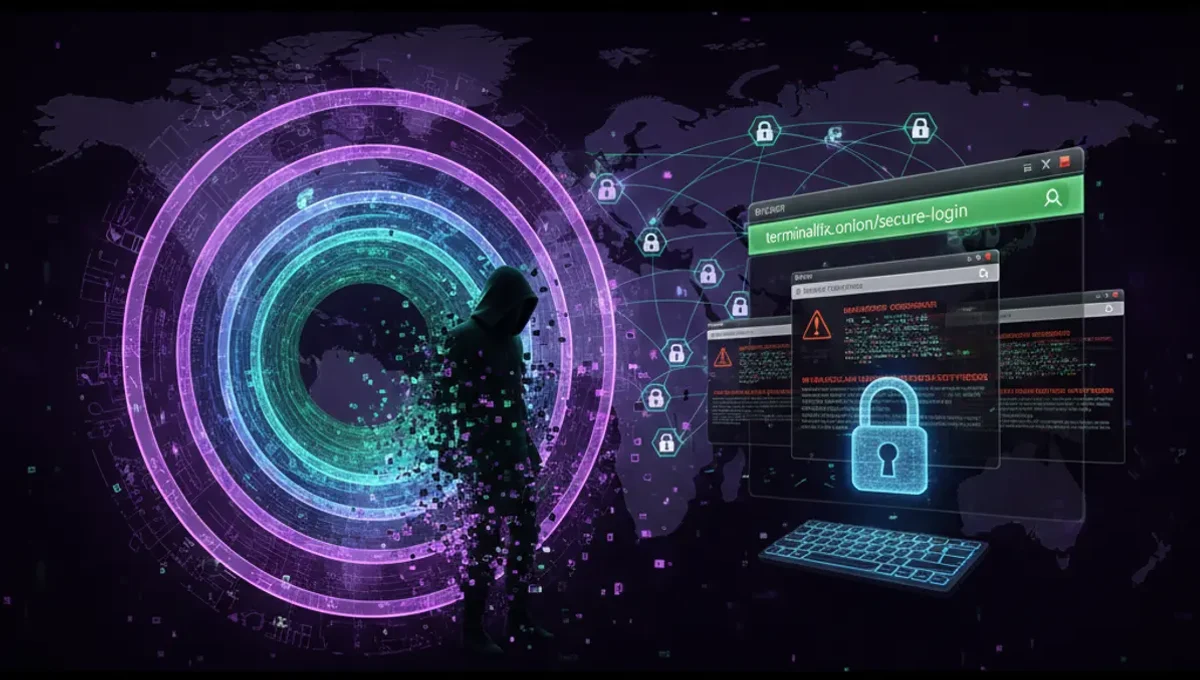
What Is TerminalFix?
TerminalFix represents an evolution of the ClickFix attack family—a long-running phishing campaign that manipulates users into executing commands that compromise their systems. The key innovation in TerminalFix is the targeting of command-line environments like Windows Terminal and PowerShell, rather than the traditional Windows Run dialog box.
The attack works by displaying counterfeit Cloudflare CAPTCHA prompts that appear legitimate. When users attempt to verify they are human, they are instead directed to copy and paste a malicious command into their terminal. The psychological manipulation is deliberate: users already expect to see CAPTCHAs in normal browsing, and the use of trusted branding (Cloudflare) lowers their guard further.
How the Attack Chain Works
TerminalFix attacks typically follow this sequence:
- User receives a phishing link via email, social media, or malicious advertisement
- Link directs to a fake webpage displaying a Cloudflare CAPTCHA challenge
- The page instructs the user to "prove they are human" by running a command
- Unsuspecting user opens Windows Terminal or PowerShell and copies the command
- Malicious command executes, often downloading and installing a reverse-tunnel backdoor
- Attacker gains remote access to the compromised system
Once installed, reverse-tunnel backdoors allow attackers to:
- Access internal files and credentials
- Execute additional malware or ransomware
- Establish persistent command-and-control communication
- Pivot to other systems on the same network
Why Terminal Commands Are Effective Social Engineering
TerminalFix exploits several behavioral and technical factors that make it more dangerous than earlier ClickFix variants:
Unfamiliarity reduces skepticism. Most casual Windows users rarely interact with command-line interfaces. When they see a technical-looking prompt asking them to paste a command, they are less likely to scrutinize the syntax or recognize obfuscation.
Obfuscation hides intent. Malicious commands can be wrapped in legitimate-looking PowerShell syntax, encoded payloads, or nested function calls that obscure the actual payload. Base64 encoding and environment variable substitution are common techniques.
Urgency overrides caution. Fake CAPTCHA prompts imply the user's access is being blocked—a time-sensitive situation that pressures quick action over careful analysis.
Terminal output bypasses security software. Some endpoint protection tools focus on file-based threats; shell commands executed directly in memory may evade detection longer than a downloaded executable.
Distinguishing Fake CAPTCHAs from Legitimate Ones
To avoid falling victim to TerminalFix or similar attacks, recognize these red flags:
**Legitimate Cloudflare CAPTCHAs never ask you to:
- Copy and paste commands into a terminal
- Run PowerShell or Command Prompt scripts
- Download and execute files
- Open system tools or administrative prompts
- Disable security software or warnings
**Indicators of a fake CAPTCHA page:
- URL does not match the site you intended to visit
- Page design is slightly off or uses low-resolution Cloudflare branding
- The CAPTCHA "solution" requires leaving the browser
- Instructions mention opening a terminal or running code
- The page persists even after completing the challenge
- Grammar or phrasing feels awkward or machine-generated
General Defense Against TerminalFix
Implement these protective measures to reduce exposure:
**User behavior:
- Never copy and paste terminal commands from untrusted websites
- Verify the legitimacy of the website in your browser address bar before interacting with any CAPTCHA
- If a CAPTCHA asks you to run commands, close the tab and report it
- Hover over links before clicking to see the actual URL destination
- When in doubt, navigate to the official website directly rather than following a link
**System hardening:
- Keep Windows, PowerShell, and all software fully updated
- Enable Windows Defender or another reputable antimalware tool
- Use Group Policy Editor to restrict unsigned PowerShell script execution in corporate environments
- Disable administrative privileges for standard user accounts
- Monitor process execution logs for suspicious command-line activity
- Educate team members or family members about phishing risks
Tor, Anonymity, and Malware Distribution
While TerminalFix primarily targets Windows users through conventional web infrastructure, attackers often host phishing pages on legitimate websites or use compromised domains. However, some threat actors do leverage the Tor network to host malware distribution sites or command-and-control servers that are harder to trace.
If you operate a Tor-based service or access the darknet, the same principles apply:
- Never execute commands from untrusted .onion sources
- Verify PGP signatures on downloaded software
- Use isolated VMs or dedicated systems to test unfamiliar code
- Be skeptical of onion mirrors or directories that request command execution
Frequently Asked Questions
Q: Can a VPN or Tor protect me from TerminalFix?
A: Neither a VPN nor Tor can prevent you from running a malicious command on your own machine. These tools protect your network traffic, not user behavior. If you willingly execute a backdoor, encryption won't stop it.
Q: Is my system compromised if I clicked the phishing link but didn't run the command?
A: Clicking a link alone is not sufficient for infection. You become at risk only when you execute the malicious command. However, you should assume the phishing page identified you as a potential target.
Q: How do I remove TerminalFix if I already ran the command?
A: Consult professional malware removal services or IT security teams. Reverse-tunnel backdoors often establish persistence mechanisms that are difficult to remove without expert assistance. Boot into Safe Mode, run a full system scan with updated antimalware software, and consider reimaging the system.
Q: Should I disable PowerShell to be safe?
A: Disabling PowerShell entirely is not practical for most Windows users, as legitimate software depends on it. Instead, configure execution policies, monitor logs, and educate yourself on what commands are safe to run.
Key Takeaways
TerminalFix demonstrates how social engineering remains one of the most effective attack vectors. The shift from Run dialogs to terminal commands makes phishing more dangerous because fewer users understand command syntax. Protect yourself by treating unsolicited terminal instructions with extreme suspicion, verifying URLs before interacting with security prompts, and maintaining updated security software. In both conventional and Tor-based environments, the principle is the same: human judgment remains the last line of defense.
Source: The Hacker News