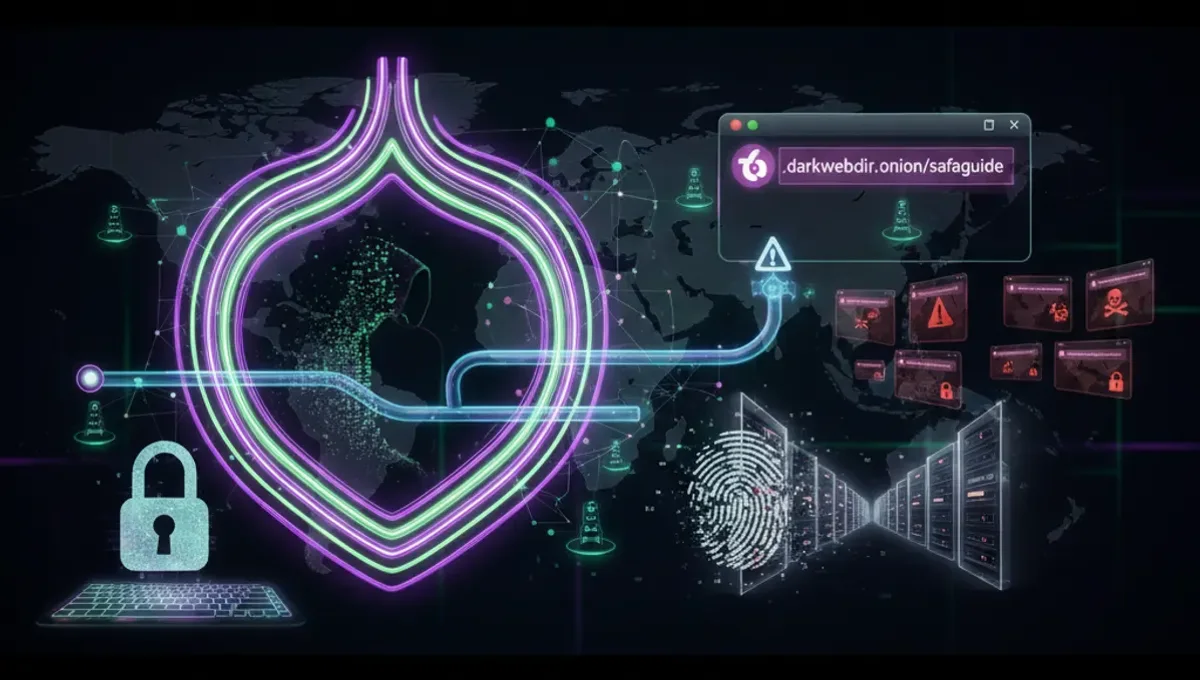
What Are Dark Web Sites on Tor and How Do They Work
Dark web sites on Tor operate as hidden services, meaning their servers are not directly exposed to the public internet. Instead, they are accessed through the Tor network, which routes traffic through multiple encrypted relays before reaching the destination. Each onion site has a unique .onion address—a cryptographic identifier derived from the site's public key. When you connect to an onion address, the Tor network establishes a circuit that hides both your IP address and the server's location. The term 'dark web' refers to any content on the internet intentionally hidden and inaccessible through standard browsers; Tor is simply the most common network used to access it. Onion sites can host anything from privacy-focused email services and news outlets to forums, wikis, and marketplaces. The anonymity provided by Tor makes it attractive for both legitimate privacy advocates and illegal activities, which is why verification and caution are essential before visiting any site.
How Onion Addresses and v3 Addresses Differ
Onion addresses come in two main formats: v2 and v3. Version 2 addresses are 16 characters long and use older cryptographic standards; they were deprecated by the Tor Project in 2021 due to security vulnerabilities. Version 3 addresses are 56 characters long and use stronger elliptic-curve cryptography, making them significantly more resistant to brute-force attacks and impersonation. A v3 address looks like this format: a long string of lowercase letters and numbers ending in .onion. When visiting a dark web site, always check the address bar in your Tor browser to confirm you are using a v3 address, not a v2 address or a typo-squatted variant. Legitimate projects have migrated to v3 addresses; if a site you trust still uses v2, verify the migration status through official channels. The Tor Project's official documentation lists the cryptographic improvements in v3 addresses and why the transition was necessary for security.
Verifying Genuine Onion Addresses and Detecting Phishing Clones
Phishing clones are fake onion sites designed to mimic legitimate services and steal credentials or data. To verify a genuine onion address, follow these steps: First, obtain the address from the official source—the project's clearnet website, official social media, or a trusted directory with PGP-signed listings. Second, check the address against multiple independent sources to confirm consistency. Third, verify the site's PGP signature if one is provided; this cryptographic proof confirms the site operator's identity. Fourth, look for HTTPS encryption within the Tor browser (indicated by a lock icon), though this is less critical on Tor since the network itself provides encryption. Fifth, check for spelling variations or homograph attacks—attackers may register addresses that look similar to legitimate ones. If a site requests sensitive information immediately upon login or behaves unusually, close the connection and verify the address again. Never assume a site is legitimate based on appearance alone; always cross-reference the onion address with official announcements.
How Onion Directories and Indexes Work
Onion directories are searchable databases of .onion addresses, similar to traditional web directories. They serve as entry points for users looking to discover services on the Tor network. Directories can be centralized (hosted on a single onion site) or decentralized (distributed across multiple nodes). Most directories are maintained by volunteers and include user submissions, though reputable directories verify listings before publication to reduce phishing clones. Directories typically organize sites by category—news, forums, communication, markets, and so on. Some directories require manual submission; others crawl the network automatically. The quality and trustworthiness of a directory depends on the operator's reputation and verification practices. When using a directory, treat it as a starting point, not a guarantee of legitimacy. Always verify the onion address independently before visiting a site listed in any directory. Be aware that some directories themselves may be compromised or operated by malicious actors, so cross-reference listings across multiple sources when possible.
Common Mistakes That Compromise Anonymity on Tor
Even with Tor installed, users often make operational security mistakes that expose their identity. Maximizing your browser window reveals your screen resolution, which can be used to fingerprint you; keep it at a standard size. Enabling plugins like Flash or Java bypasses Tor's encryption and leaks your real IP address; disable all plugins. Visiting sites over HTTP instead of HTTPS allows exit nodes to see your traffic; always use HTTPS when available. Logging into personal accounts (email, social media) while on Tor defeats anonymity; use separate accounts if you need to identify yourself. Downloading files without caution can expose metadata; use a dedicated virtual machine or container. Torrenting over Tor is ineffective and dangerous; Tor is designed for web browsing, not P2P traffic. Typing identifying information—usernames, real names, or personal details—into forms creates a permanent record. Staying on Tor sites for extended periods allows timing attacks to correlate your behavior. The Tor browser includes security defaults to prevent many of these mistakes, but user behavior remains the weakest link in the anonymity chain.
Tor vs. VPN vs. I2P: Key Differences for Privacy
Tor, VPN, and I2P are three distinct privacy technologies, each with different strengths. Tor routes traffic through multiple relays operated by volunteers, providing strong anonymity but slower speeds; it is designed for web browsing and hiding your location from websites and ISPs. A VPN encrypts your traffic and routes it through a single provider's server, hiding your activity from your ISP but requiring trust in the VPN operator; VPNs are faster than Tor but offer weaker anonymity if the provider logs traffic. I2P is an overlay network designed for peer-to-peer communication with built-in incentives for network participation; it is faster than Tor but less suitable for general web browsing and has a smaller user base. Tor is best for accessing hidden services and resisting surveillance; VPNs are best for hiding your ISP-level activity while maintaining speed; I2P is best for decentralized applications and file-sharing. None of these tools provide complete anonymity if you compromise operational security—logging into personal accounts or revealing identifying information undermines any technical protection. Choose based on your threat model and use case.
Safety Basics Before Accessing Any Onion Link
Before visiting any dark web site, establish a secure baseline. Use the official Tor browser from the Tor Project's website, not third-party builds or modified versions. Run Tor on a dedicated device or virtual machine if possible, isolating it from your personal files and accounts. Disable JavaScript in the Tor browser settings to prevent certain attacks; this may break some sites, but security takes priority. Never maximize your browser window; keep it at a standard size to avoid fingerprinting. Assume every site could be malicious; do not download files unless absolutely necessary, and scan them with antivirus software afterward. Do not enable plugins, extensions, or additional software that might leak your IP address. Use a strong, unique password for any accounts you create on onion sites. If a site requests unusual permissions or behaves suspiciously, close the connection immediately. Keep your operating system and Tor browser updated to patch security vulnerabilities. Remember that anonymity does not provide legal protection; accessing illegal content or services carries legal consequences regardless of your technical precautions.
Frequently asked questions
How do I know if a dark web site is legitimate and not a phishing clone?
Verify the onion address against the official source—the project's clearnet website or official announcements. Check the address across multiple independent sources to confirm consistency. If available, verify the site's PGP signature to confirm the operator's identity. Be cautious of typos or homograph attacks in the address. If a site behaves unusually or requests sensitive information immediately, close the connection and re-verify the address before returning.
What is the difference between a v2 and v3 onion address?
V2 addresses are 16 characters long and use older cryptography; they were deprecated in 2021 due to security vulnerabilities. V3 addresses are 56 characters long and use stronger elliptic-curve cryptography, making them resistant to brute-force attacks. Legitimate projects have migrated to v3 addresses. If a trusted site still uses v2, verify the migration status through official channels before visiting.
Can I use a VPN instead of Tor to access dark web sites?
No. VPNs do not provide access to onion sites; they only encrypt your traffic to a single provider. Onion sites are only accessible through the Tor network using the Tor browser. A VPN can be used alongside Tor for additional privacy, but it cannot replace Tor for accessing hidden services.
What are the most common mistakes that expose my identity on Tor?
Maximizing your browser window, enabling plugins, logging into personal accounts, downloading files carelessly, torrenting over Tor, and typing identifying information into forms. The Tor browser includes security defaults to prevent many mistakes, but user behavior remains critical. Always assume sites could be malicious and maintain strict operational security practices.
Is accessing dark web sites illegal?
Accessing Tor and onion sites is legal in most countries. However, accessing illegal content or services—such as marketplaces selling drugs or stolen data—carries legal consequences regardless of your technical anonymity. Anonymity does not provide legal protection. Always verify the legality of your activities in your jurisdiction before accessing any site.