What Are Deep Web Tor Links and Onion Addresses?
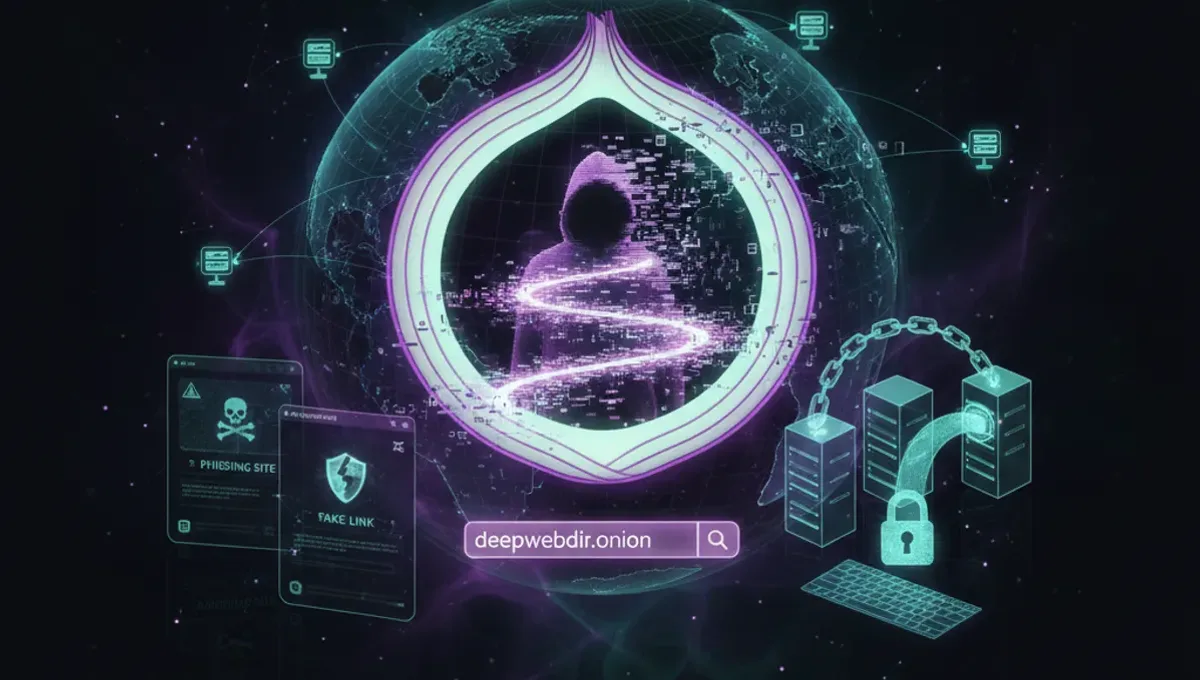
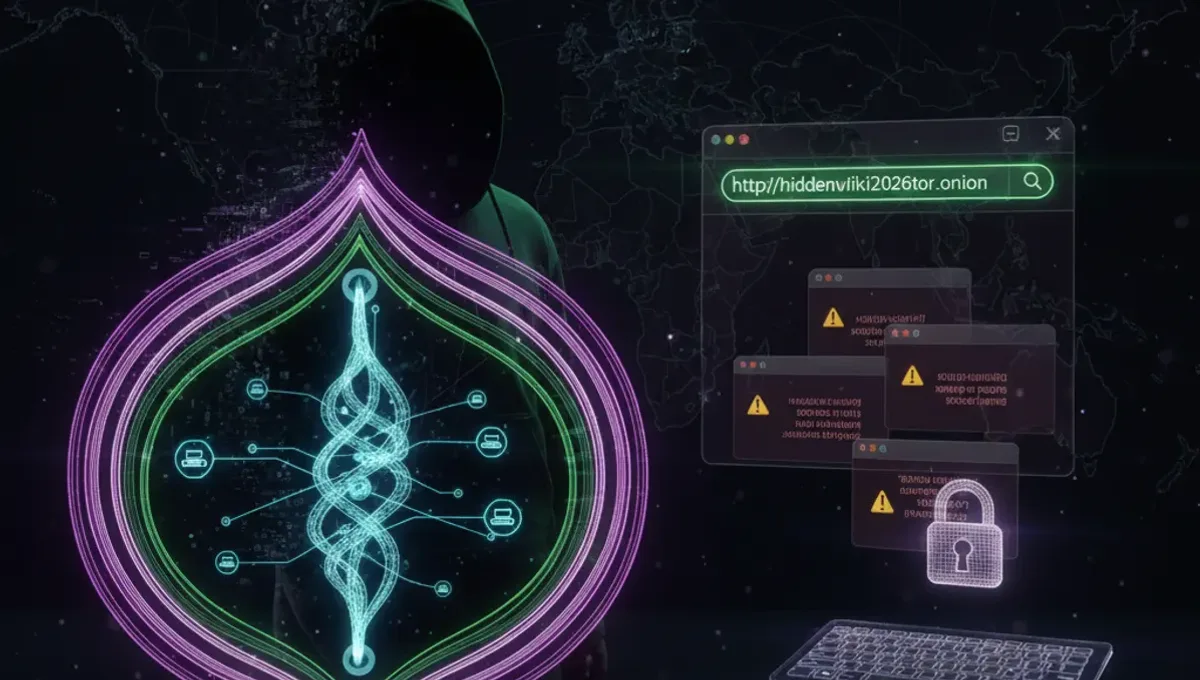
Deep web tor links are URLs ending in .onion that exist only on the Tor network. They are not indexed by standard search engines and require the Tor browser to access. An onion address is a cryptographic identifier generated by Tor hidden services, typically 56 characters long in v3 format. These addresses route traffic through multiple Tor nodes, encrypting data at each layer so that neither the service operator nor exit nodes can identify the user's real IP address. Onion mirrors are legitimate copies of websites hosted on the Tor network for redundancy and censorship resistance. Unlike the surface web, deep web tor links do not appear in Google or other standard indexes, making them invisible to casual browsing.
How Do Tor Routing and Onion Addresses Work?
When you connect to a .onion address through Tor, your traffic is encrypted and routed through at least three randomly selected Tor nodes before reaching the hidden service. The Tor browser handles this routing automatically. Onion addresses are derived from the public key of the hidden service, creating a one-way mapping: the address itself proves the service's identity without requiring a certificate authority. V3 addresses, introduced in 2019, use stronger cryptography than older v2 addresses and are resistant to brute-force attacks. The Tor network maintains a distributed directory of onion addresses, allowing services to remain discoverable without a central registry. This architecture means that even if someone intercepts your connection, they cannot determine which onion site you are visiting or your real location.
How to Install and Configure Tor Browser Securely
Follow these steps to set up Tor browser safely:
- Download Tor browser only from the official Tor Project website, never from third-party sources.
- Verify the GPG signature of the installer using the official public key to confirm authenticity.
- Install the browser in a dedicated directory and do not modify its settings unless you understand the security implications.
- Launch Tor browser and allow it to establish a connection to the Tor network before opening any website.
- Keep Tor browser updated to the latest version to receive security patches.
- Do not maximize your browser window, as window size can be used to fingerprint your device.
- Disable browser plugins and extensions unless absolutely necessary.
- Use the default security level unless you have specific technical reasons to change it. Running Tor browser in a virtual machine or on a separate device adds an additional layer of isolation.
How to Distinguish Genuine Onion Mirrors from Phishing Clones
Phishing clones are fake onion addresses designed to steal credentials or malware. To verify a genuine onion mirror:
- Check the official website or social media for the correct .onion address; legitimate services publish their addresses on verified channels.
- Compare the onion address character-by-character; even a single character difference indicates a different service.
- Look for HTTPS certificates on onion sites, though note that self-signed certificates are common and not inherently suspicious.
- Verify PGP signatures on any downloadable files using the service's public key.
- Check if the site operator has published the address on multiple independent channels.
- Be suspicious of onion addresses that appear in unsolicited messages or on untrusted directories.
- Use onion address directories that verify submissions before listing them. Legitimate onion services often display a security notice or warning to educate users about phishing risks.
What Is a V3 Onion Address and Why Does It Matter?
V3 onion addresses are the current standard for Tor hidden services, introduced to replace the older v2 format. V3 addresses are 56 characters long, compared to v2's 16 characters, and use stronger elliptic-curve cryptography. The longer format makes v3 addresses resistant to brute-force attacks that could theoretically compromise v2 addresses. V3 addresses also support improved authentication and better protection against certain types of network attacks. The Tor Project deprecated v2 addresses in 2021 and removed support for them in Tor browser version 10.0 and later. If you encounter a v2 onion address, it indicates an outdated or abandoned service. Most legitimate onion directories now list only v3 addresses. The cryptographic strength of v3 addresses means they can remain secure for decades without requiring migration to a new format.
Common Mistakes That Compromise Anonymity on Tor
Mistakes that undermine Tor anonymity include:
- Using your real name, email, or personal information when registering on onion sites.
- Maximizing your browser window or adjusting display settings, which can be used to fingerprint your device.
- Enabling plugins or extensions that may bypass Tor routing.
- Visiting both clearnet and onion sites in the same Tor session without understanding the risks.
- Torrenting through Tor, which bypasses the Tor network and leaks your IP address.
- Assuming Tor alone protects you from malware; always use updated antivirus software.
- Running other applications on the same device that may leak identifying information.
- Clicking on links in emails or chat without verifying the destination address.
- Trusting onion addresses found on untrusted directories or forums.
- Assuming all .onion sites are legitimate; many are honeypots or scams. Operational security requires treating each action as a potential information leak.
Comparing Tor, VPN, and I2P for Anonymity
Tor, VPN, and I2P are three different anonymity tools with distinct strengths. Tor routes traffic through multiple nodes operated by volunteers, providing strong anonymity but slower speeds due to multiple hops. VPNs encrypt traffic through a single provider's server, offering faster speeds but requiring trust in the VPN operator. I2P is a peer-to-peer network designed for internal communication, offering good anonymity for file-sharing and messaging but less suitable for accessing external websites. Tor is best for accessing onion services and resisting surveillance by network operators. VPNs are useful for hiding your IP from websites but do not provide the same level of anonymity as Tor. I2P excels at peer-to-peer applications but has a smaller user base. Each tool has different threat models: Tor protects against network-level surveillance, VPNs protect against ISP monitoring, and I2P protects against peer identification. Combining tools (e.g., VPN before Tor) can increase security but also increases complexity and potential misconfiguration.
Frequently asked questions
Is accessing the deep web on Tor illegal?
Using Tor itself is legal in most countries. Accessing onion sites is also legal, but the legality depends on what you do there. Many onion services are legitimate: news sites, privacy-focused email providers, and uncensored forums. However, some onion sites host illegal content. Accessing illegal content or services is illegal regardless of whether it is on Tor or the clearnet. Law enforcement can and does investigate illegal activity on Tor.
How do I find verified deep web tor links?
Verified onion directories maintain lists of legitimate .onion addresses with community ratings and verification checks. These directories are themselves onion sites and can be accessed through Tor browser. Look for directories that require submissions to be verified before listing and that remove dead or malicious links. Official project websites often publish their own onion addresses on their clearnet sites. You can also find onion addresses through news articles, privacy organizations, and community forums dedicated to Tor.
What should I do if I suspect a phishing clone?
If you suspect a phishing clone, do not enter any credentials or download files. Compare the onion address character-by-character with the official address from a trusted source. Check the site's SSL certificate and look for spelling or layout differences from the legitimate site. Report the phishing address to the directory where you found it and to the legitimate service operator if possible. Do not visit the site again and warn others in relevant communities. Most legitimate onion services have a security contact or abuse reporting channel.
Can my ISP see that I am using Tor?
Your ISP can see that you are connecting to Tor entry nodes, but cannot see which onion sites you visit or what data you send. Some ISPs or network administrators may block or throttle Tor traffic. If Tor is blocked, you can use Tor bridges, which are unlisted entry nodes that help you connect to the Tor network. Bridges are more difficult to block because their addresses are not publicly listed. Some countries actively block Tor; in those cases, bridges and pluggable transports may help circumvent censorship.
How often do onion addresses change?
Legitimate onion addresses remain stable unless the service operator deliberately changes them. V3 addresses are designed to remain secure indefinitely. Some services may publish multiple onion addresses for redundancy or load balancing. If an onion address suddenly becomes unreachable, it may indicate the service is offline, has moved, or has been taken down. Always verify a new address through official channels before assuming the old address was a phishing clone. Abandoned onion addresses may be reused by other services after sufficient time has passed.