What Are Deep Web Tor Links and Onion Addresses
Deep web links are URLs ending in .onion that exist only within the Tor network. They are generated using cryptographic keys and do not resolve on the regular internet. Onion addresses come in two versions: v2 addresses (16 characters, deprecated) and v3 addresses (56 characters, current standard). Each .onion domain is derived from the public key of the hidden service, making the address itself a form of authentication. When you access a deep web link through Tor Browser, your traffic is encrypted and routed through multiple relays, obscuring your IP address and location. The onion address acts as both the domain name and a cryptographic proof of the service's identity, which is why verifying the exact address is critical for security.
How Tor Routing and Onion Address Resolution Work
When you enter a .onion address in Tor Browser, the request does not go to a traditional DNS server. Instead, Tor performs a distributed lookup using its hidden service directory protocol. Your client connects to introduction points specified by the onion service, establishes a rendezvous point, and creates an encrypted tunnel to the service. The service operator publishes their descriptor (containing introduction points) to the Tor network at regular intervals. This decentralized approach means no single entity controls onion address resolution, and the service operator remains anonymous. The cryptographic binding between the address and the service's keys ensures that only the legitimate operator can respond to requests for that .onion domain. This architecture prevents DNS hijacking and makes it extremely difficult for an attacker to impersonate a service without possessing the private key.
Distinguishing Genuine Onion Mirrors from Phishing Clones
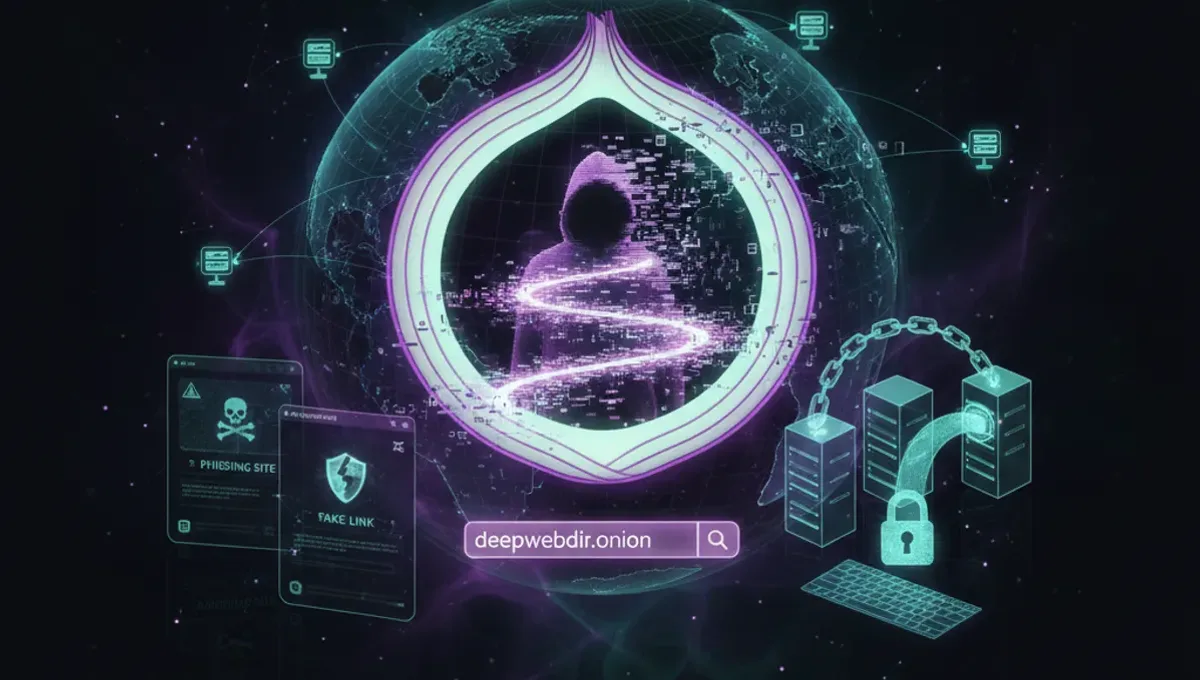
Phishing clones are fraudulent copies of legitimate onion services designed to steal credentials, cryptocurrency, or personal data. To verify a genuine mirror: first, check the official announcement channels (official website, PGP-signed statements, or verified social media accounts) for the correct .onion address. Second, compare the address character-by-character; even a single character difference indicates a different service. Third, examine the site's SSL certificate within Tor Browser (click the lock icon); legitimate services use self-signed certificates with matching onion addresses. Fourth, look for security indicators such as PGP signature verification options or two-factor authentication. Phishing clones often have slight visual differences, missing security features, or requests for sensitive information that legitimate services would never ask for. If a site asks you to enter a password on first visit or requests personal details unexpectedly, close the connection immediately. Always access onion services through bookmarks or official links rather than search results.
Understanding V3 Onion Addresses and Their Security Advantages
V3 onion addresses are 56-character alphanumeric strings that represent the current standard for Tor hidden services. They use Ed25519 elliptic-curve cryptography, which is more resistant to cryptanalytic attacks than the older RSA-based v2 format. V3 addresses are derived from a longer public key, making them harder to brute-force or forge. The longer address also provides better protection against certain types of enumeration attacks. V2 addresses (16 characters) were deprecated in Tor 0.4.6 and are no longer supported; any service still using v2 is either outdated or potentially compromised. When searching for deep web links, prioritize v3 addresses. The Tor Project's official documentation recommends that all new hidden services use v3. If you encounter a v2 address, verify independently whether the service has migrated to v3, as the old address may be a stale or fraudulent copy.
Common Mistakes That Compromise Anonymity on the Darknet
Maximizing your browser window to full screen can reveal your screen resolution to websites, allowing fingerprinting. Disabling JavaScript in Tor Browser is recommended; enabling it increases attack surface. Logging into personal accounts (email, social media, usernames) while using Tor defeats anonymity by linking your identity to your Tor session. Torrenting over Tor is ineffective and can leak your real IP address; Tor does not support BitTorrent safely. Changing Tor Browser's default settings (fonts, plugins, extensions) creates a unique fingerprint that can be tracked across sites. Visiting both clearnet and onion sites in the same session allows correlation attacks. Assuming Tor alone provides complete anonymity is dangerous; operational security (OpSec) practices are equally important. Never maximize windows, use plugins, or enable plugins that bypass Tor. Always assume that any service you access could be monitored or operated by law enforcement. Treat Tor as one layer of a multi-layered security approach, not a complete guarantee of anonymity.
Comparing Tor, VPN, and I2P for Privacy and Anonymity
Tor routes traffic through multiple volunteer-operated relays, making it difficult for any single entity to correlate your traffic. VPNs encrypt traffic and route it through a single provider's server; your VPN provider can see your activity. I2P is a decentralized network designed for internal communication and file-sharing; it is less suitable for accessing the open internet. Tor is designed for anonymity and accessing both clearnet and onion services; it is slower due to multiple hops but provides strong anonymity. VPNs are faster and better for hiding your IP from your ISP, but they do not provide anonymity from the VPN provider. I2P offers better performance for internal networks but weaker anonymity guarantees for external traffic. For accessing deep web links and onion services, Tor is the standard and most widely supported. Combining Tor with a VPN (Tor over VPN or VPN over Tor) can add layers but introduces trade-offs in speed and potential vulnerabilities. For most users seeking to access the darknet safely, Tor Browser alone with proper OpSec is sufficient.
Essential OpSec Practices Before Accessing Deep Web Links
Use a dedicated device or virtual machine for Tor browsing to isolate your darknet activity from your main system. Keep your operating system and all software fully patched and up-to-date; unpatched vulnerabilities can be exploited to reveal your identity. Disable plugins, extensions, and JavaScript in Tor Browser unless absolutely necessary. Use a strong, unique password manager to generate and store credentials for onion services. Never resize your Tor Browser window; use the default size to avoid fingerprinting. Disable your webcam and microphone at the hardware level if possible. Use PGP encryption for sensitive communications on the darknet; verify PGP signatures of messages and files before trusting them. Assume all onion services could be honeypots or law enforcement operations; never engage in illegal activity. Maintain separate email addresses and usernames for different onion services. Do not mix Tor and non-Tor browsing in the same session. Regularly review Tor Browser security advisories and update immediately when new versions are released. Document your OpSec practices and review them periodically to identify gaps.
Frequently asked questions
How do I know if a .onion address is legitimate and not a phishing clone?
Verify the address through official channels: the service's clearnet website, PGP-signed announcements, or verified social media. Compare the .onion address character-by-character with the official source. Check the SSL certificate in Tor Browser by clicking the lock icon; it should match the onion address. Legitimate services rarely ask for passwords on first visit. Always use bookmarks or official links instead of search results.
What is the difference between v2 and v3 onion addresses?
V2 addresses are 16 characters and use older RSA cryptography; they were deprecated in Tor 0.4.6 and are no longer supported. V3 addresses are 56 characters and use Ed25519 elliptic-curve cryptography, which is more secure and resistant to attacks. All new onion services use v3. If you encounter a v2 address, verify independently whether the service has migrated to v3, as the old address may be outdated or fraudulent.
Can I use a VPN instead of Tor to access deep web links?
No. VPNs encrypt your traffic and hide your IP from your ISP, but they do not provide anonymity from the VPN provider, who can see all your activity. Deep web links (.onion addresses) only resolve through the Tor network; a VPN cannot access them. Tor is designed for anonymity and accessing onion services. For accessing the darknet safely, Tor Browser is the standard tool.
What mistakes can compromise my anonymity while using Tor?
Maximizing your browser window reveals your screen resolution and enables fingerprinting. Logging into personal accounts links your identity to your Tor session. Enabling JavaScript increases attack surface. Torrenting over Tor leaks your real IP. Changing default settings creates a unique fingerprint. Visiting both clearnet and onion sites in one session allows correlation attacks. Always use default settings, avoid personal logins, and maintain strict operational security.
Is Tor alone enough to keep me anonymous on the darknet?
Tor is a critical tool, but it is not a complete guarantee of anonymity. Operational security (OpSec) practices are equally important: use a dedicated device or VM, keep software patched, disable plugins and JavaScript, use strong passwords, never resize your browser window, and assume all services could be monitored. Treat Tor as one layer of a multi-layered security approach, not a standalone solution.